Create Your Digital Business Card in 4 Easy Steps
A digital business card is an essential tool for modern professionals, allowing you to share your contact information instantly and make a great first impression.
What Happens When You Choose AWG Reachify
You get more than just a tool — a complete solution for creating, customizing, and sharing your professional identity online.
Access to Modern Templates
Choose from a variety of professional digital business card templates that match your brand style.
Easy Customization
Edit colors, fonts, layouts, and images using our intuitive business card builder.
Instant Sharing
Share your vCard via QR code, email, or social media in just a few clicks.
Always Up-to-Date
Update your contact details anytime without reprinting or redesigning.
Mobile-Friendly Design
Your card works seamlessly on smartphones, tablets, and desktops.
Integration with Digital Tools
Pair it with a card scanner app or link it to your business card website for better networking.
How to Create a Digital Business Card
Follow these four simple steps to design, customize, and share your digital business card.
Get Started with a Professional Template
Begin by selecting a professional digital business card template that fits your industry and brand style. Using a well-designed template ensures your card looks polished and consistent across devices.
- Explore a variety of digital business card templates tailored for different professions
- Customize colors, fonts, and layouts to align with your brand identity
- Choose a mobile-responsive template so your card looks perfect on smartphones and tablets
Add Essential Contact Information and Links
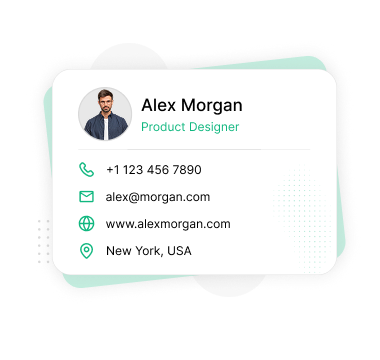
Your digital business card should include all the necessary contact information to make communication easy. Add your full name, job title, phone number, email, and address. Link your website and social profiles to extend your online presence.
- Enter your name, title, phone number, and email
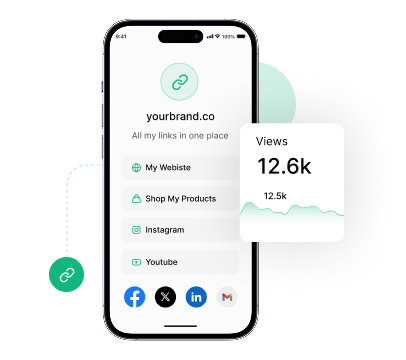
- Link your social media profiles (LinkedIn, Twitter, Instagram, etc.)
- Create a bio link page with buttons to relevant resources and websites
Secure and Enhance Your Card with Interactive Features
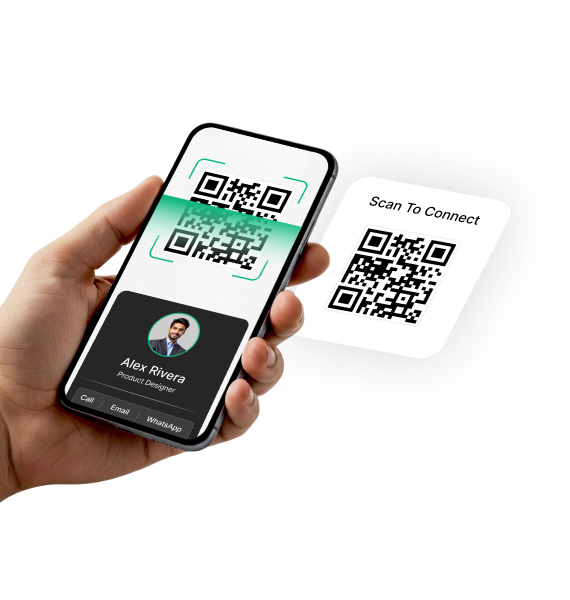
Enhance the usability and security of your digital business card. Add password protection, schedule visibility for time-sensitive info, and include interactive buttons that let users call, email, or save your contact instantly.
- Enable password protection and schedule visibility settings
- Add call-to-action buttons for calls, emails, and saving contacts
- Share using QR codes, NFC taps, and direct custom URLs
Publish Your Card and Track Performance
Once your card is ready, publish it with one click and start sharing it across all channels — social media, email, and physical prints. Use built-in analytics tools to track views, clicks, and engagement.
- Publish and share your card effortlessly across all channels
- Track real-time analytics like views, clicks, and device types
- Select a plan to access advanced features, premium support, and lifetime updates
Share Your Digital Business Card — Your Way
Whether you're on the go or meeting clients in person, sharing your digital business card has never been easier or more versatile.
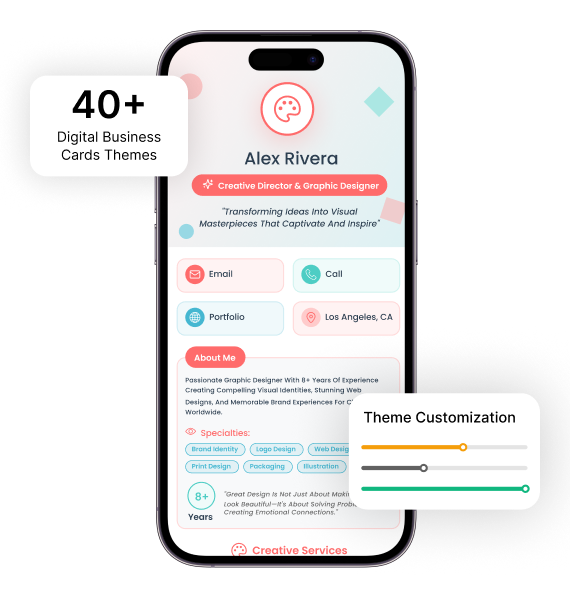
vCard
Display your QR code business card right from your vCard. Designed for seamless, on-the-spot sharing — the world's first digital business card app for wearable tech.
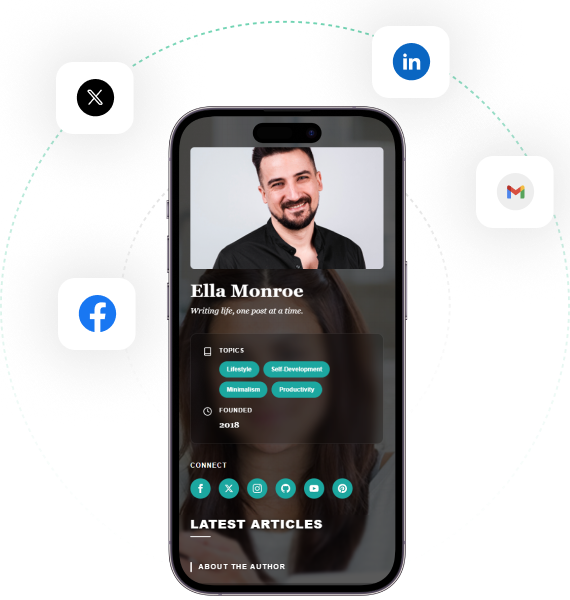
Bio Link
Add your virtual contact card to your Apple Wallet or Google Wallet and access it with a single tap. The easiest way to keep your networking tool just a swipe away.
QR Code
Place a widget on your smartphone's home screen for lightning-fast access to your vCard QR code. A simple tap makes sharing smoother than ever — perfect for meetings and events.
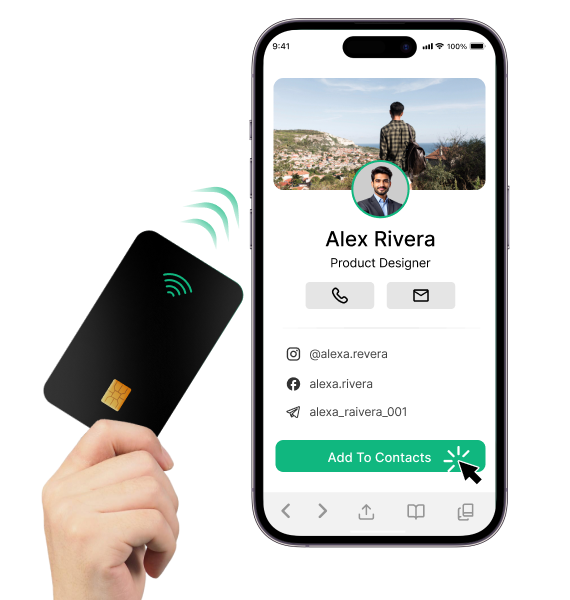
NFC Card
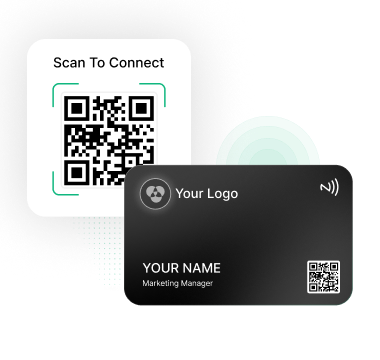
Tap and connect with our sleek NFC business card. Just bring your NFC smart card near any compatible device and instantly share your details — no apps or scanning required.
Customize Your Impactful Business Card Design Online
Creating a unique and professional business card has never been easier. With our business card template collection, you can choose from a variety of styles that perfectly represent your brand — modern, minimal, or creative.
Our intuitive business card maker lets you personalize every detail — from fonts and colors to logos and contact information — directly in your browser. No design skills? No problem.
Start CustomizingReal-Time Visitor Insights for Your Digital Business Card
Our advanced vCard analytics dashboard gives you detailed, real-time performance insights, helping you understand exactly how your digital business card is being used and who's engaging with it.
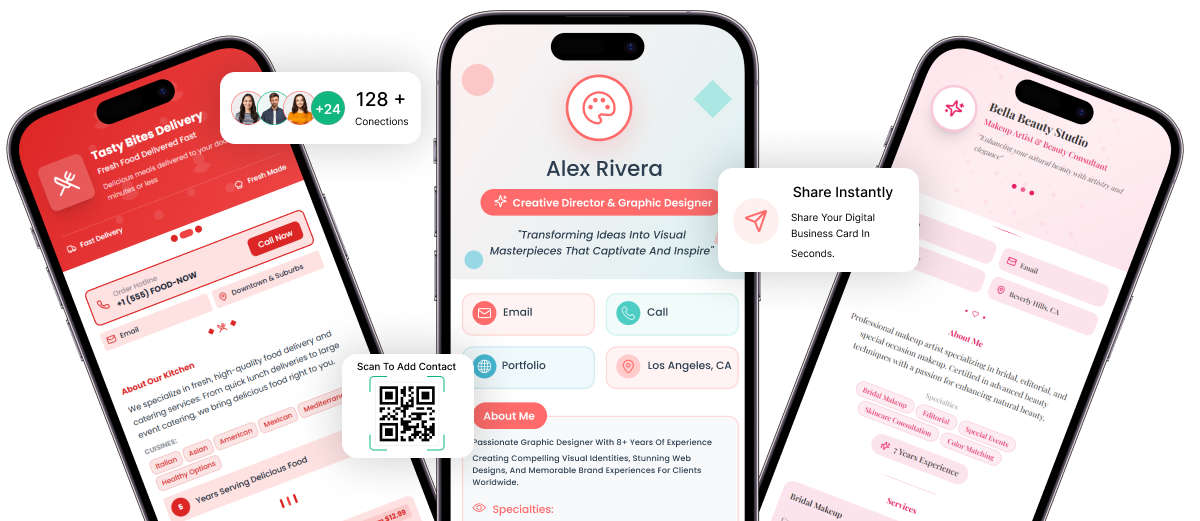
vCard & Bio Link Builder Functionality
A complete toolkit to build responsive vCards and centralized bio link profiles for better online visibility.
vCard Builder
40+ Industry-Specific Templates
Professionally crafted templates with layouts, sections, and styles tailored for specific industries and professions.
Real-Time Live Preview
Instantly view every customization change live on desktop, tablet, and mobile for perfect cross-device presentation.
Drag & Drop Builder
Visually design your card by dragging and reordering sections — no coding needed, perfect for beginners and pros.
Unlimited Color Customization
Choose from curated presets or create custom color palettes using hex codes for complete branding flexibility.
Progressive Web App (PWA)
Turn your digital card into an installable mobile app with offline access, fast loading, and push notifications.
Custom Domain Integration
Use your own branded domain or subdomain with full SSL encryption for professional and secure card access.
Bio Link Builder
15 Dynamic Bio Link Themes
Choose from 15 animated, customizable themes tailored for business, personal, gaming, fashion, and social media.
Unlimited Link Management
Add and reorder unlimited links with icons, previews, and descriptions to showcase content clearly.
Privacy & Security Controls
Enable password protection, scheduled visibility, and GDPR-compliant privacy settings for secure bio link experiences.
Social Media Integration
Connect 15+ platforms with stylish icons, customizable placements, and social verification badges for added trust.
Custom Icon & Media Support
Upload your own icons, logos, and media or use our icon library with optimized delivery and rich media embedding.
SEO & Discoverability
Boost search visibility with meta tags, Open Graph sharing previews, structured data, and memorable custom URL slugs.
8 Reasons to Switch to a Digital Business Card
From saving the planet to landing in every inbox — here's why smart professionals are ditching paper cards for good.
Eco-Friendly & Sustainable
Go paperless and reduce your carbon footprint. Digital cards eliminate the need for printing, saving trees and cutting waste — one card shared thousands of times with zero environmental impact.
Add to Email Signatures
Include your digital card link directly in your email signature. Every email you send becomes a networking opportunity — recipients can view your full profile with one click.
Share via WhatsApp & Messaging Apps
Send your card link instantly through WhatsApp, iMessage, Telegram, or any messaging app. No printing, no delays — your contact details reach anyone, anywhere, in seconds.
Always Up-to-Date
Update your phone number, job title, or social links at any time — everyone who has your link sees the latest version instantly. No reprinting, no outdated cards.
Share Anywhere Online
Post your link on LinkedIn, Instagram, Twitter, or anywhere on the web. Your digital card works as your online professional profile around the clock.
Save to Phone Wallet
Add your digital card to Apple Wallet or Google Wallet for instant access during meetings, events, or networking opportunities — no app needed to view it.
One Link for Everything
Your digital card holds your website, social profiles, phone, email, and more in one place. Share a single link instead of handing out multiple contact details.
Instant First Impressions
A sleek, professional digital card signals that you're modern, forward-thinking, and tech-savvy — giving you a competitive edge at every networking opportunity.
Ready to Create Your Digital Business Card?
Join thousands of professionals who are already networking smarter with AWG Reachify.
Get Started Free